Skip to content

Microphone blocked in Chrome on Windows? Undo it here

Microphone blocked in Chrome on Windows happens because Chrome is repeating an old answer: a refusal saved from a past visit, or its own default for any site nobody has approved yet. A web cam chat here can't start until that changes, since neither video nor voice mode gets past a silent mic.

You'll pick your gender and language first, then land straight in our video chat.

What Chrome remembers

Chrome keeps that memory itself, not the chats online web app. Microphone blocked in Chrome on Windows stays that way while a temporary Allow lasts one tab, a lasting Allow survives closing it, and a flat refusal sticks until it's changed by hand.

Clear the block, step by step

  1. Reopen this address's own answer Open its site permissions from the small padlock icon, then Microphone; a reset option there wipes just this one site's answer.

  2. Look past this one address Any other site once told no for the microphone sits on the same roster, removable one by one from there.

  3. Match the right device The same list names a default microphone with room to switch, useful when two devices are plugged in at once.

  4. Try the mic on a phone too Android and iPhone keep their own copy of this setting, so a direct video call there needs its own Allow.
When the reset alone won't do it

  • Chrome already marks the microphone as allowed

    Chrome and Windows track this apart; Chrome's Allow still means nothing if Windows' own microphone switch for apps stays off.

  • The fix works once and fails on the next call

    A one-time Allow only covers that visit; switching it to a lasting Allow stops the repeat.

  • Sound drops mid-call instead of failing outright

    That points to the microphone changing hands part-way through, not something chats online controls. Who checks pages like this one covers how.

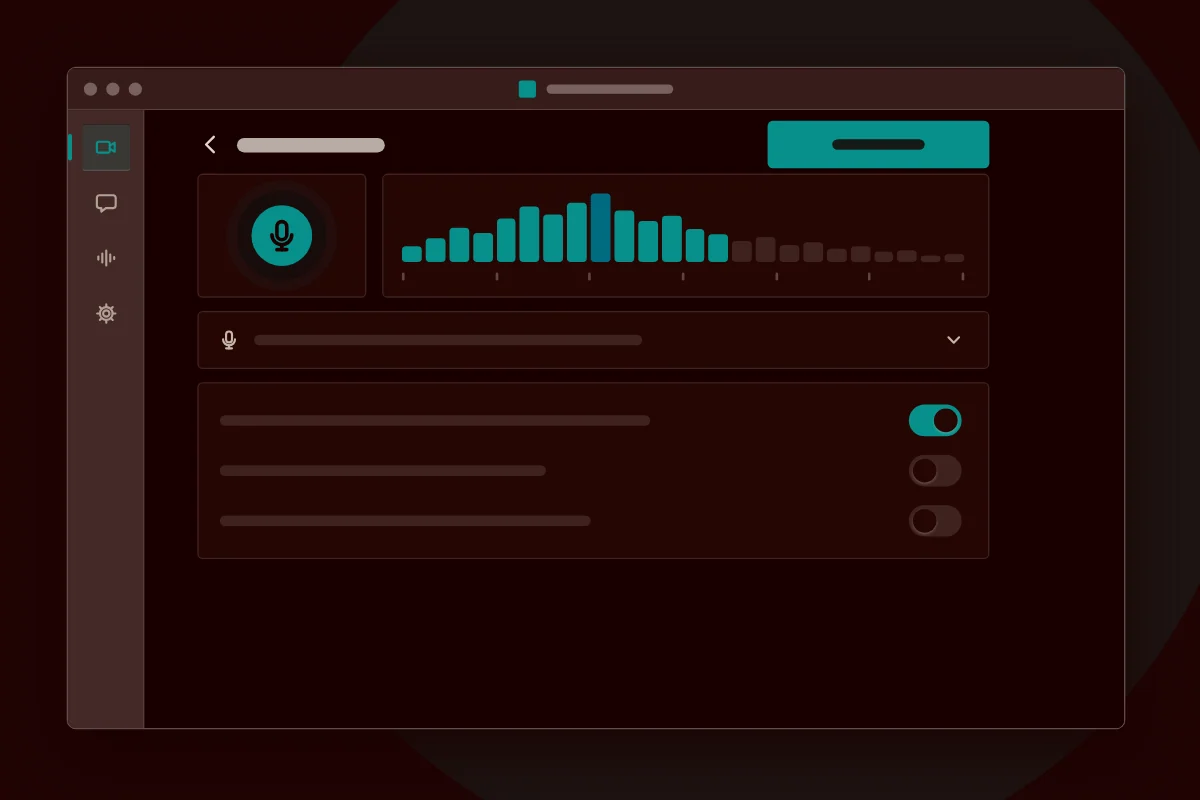
A mic-level scale, the kind that only moves once Chrome's prompt has been answered and the microphone is actually working. Illustration only, not an actual screenshot
Mock-up of a microphone level scale after allowing the microphone